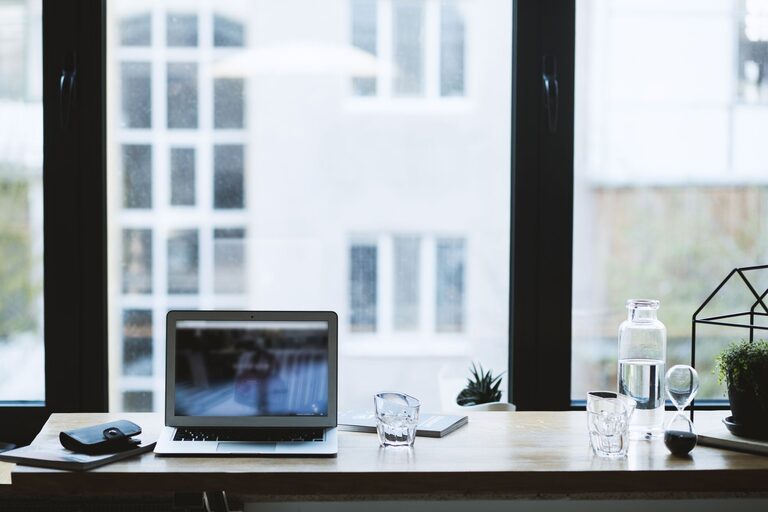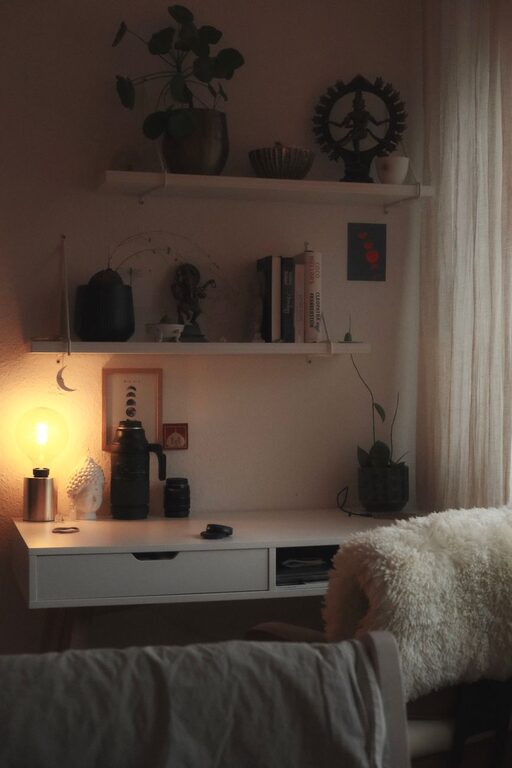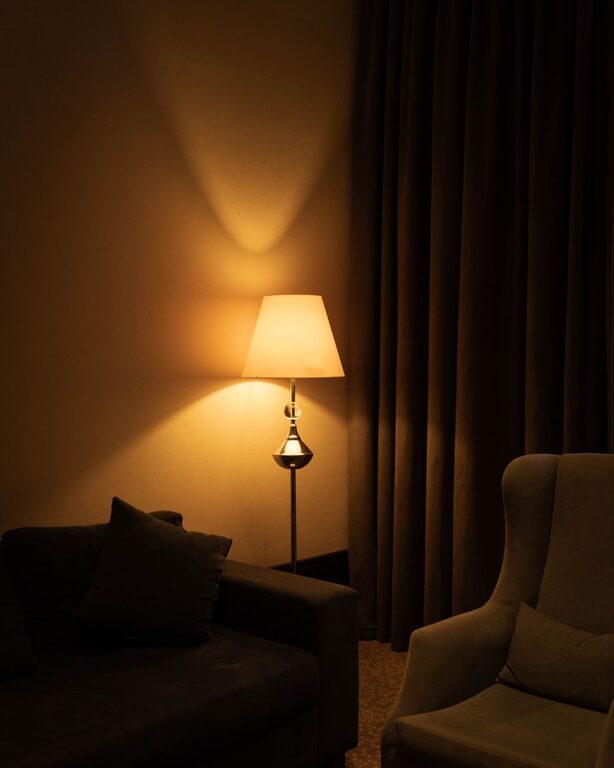

Creating a home office that feels both cozy and productive can be a game changer when it comes to working from home. A well-designed space boosts focus, reduces stress, and makes long hours more comfortable. Whether you have a dedicated room or a small corner, these tips will help you set up an inviting and efficient workspace tailored to your needs.
Choose the Right Location
Find a Quiet Spot
Select a location that minimizes distractions. Ideally, choose a room or corner away from heavy foot traffic and noisy appliances. If a quiet room isn’t available, consider using noise-cancelling headphones or white noise machines.
Make Use of Natural Light
Position your desk near a window if possible. Natural light not only improves mood but also reduces eye strain. If daylight is limited, invest in a good quality desk lamp with adjustable brightness.
Invest in Comfortable Furniture
Ergonomic Chair
A comfortable, supportive office chair is essential. Look for adjustable features that support your posture and reduce tension in your back and shoulders.
Functional Desk
Your desk should be large enough to hold your computer, accessories, and any relevant documents, without causing clutter. Standing desks or adjustable options can be great for comfort and health.
Personalize Your Space
Add Cozy Elements
Use soft textiles like cushions, rugs, or blankets to create a warm atmosphere. Plants are another great way to add life and calmness to your office.
Display Inspiring Items
Incorporate photos, artwork, or motivational quotes that make you feel energized and positive throughout the workday.
Organize Efficiently
Use Storage Solutions
Keep your desk tidy with organizers, shelves, or drawers. A clutter-free environment helps maintain focus and reduces stress.
Digitize When Possible
Reduce paper clutter by scanning important documents and storing them digitally. Use cloud storage to keep files accessible and safe.
Optimize Lighting and Screen Setup
Balanced Lighting
Combine ambient light with task lighting. Avoid harsh overhead light that creates glare or shadows on your screen.
Screen Positioning
Place your computer monitor at eye level roughly 20-30 inches away from your face. This setup promotes good posture and reduces eye strain.
Maintain a Healthy Routine
Regular Breaks
Incorporate short breaks to stretch, walk, or relax your eyes. Following the 20-20-20 rule—every 20 minutes, look at something 20 feet away for 20 seconds—can help prevent eye fatigue.
Stay Hydrated and Snack Wisely
Keep water and healthy snacks nearby to maintain energy without unnecessary distractions.
Minimize Digital Distractions
Manage Notifications
Turn off non-essential notifications during work hours. Use apps or settings that help you focus, such as “Do Not Disturb” modes.
Clean Desktop and Browser
Keep your computer desktop organized and limit open tabs to those related to work tasks.
Personal Wellness and Comfort
Temperature Control
Ensure your workspace is comfortable temperature-wise. Use fans, heaters, or humidifiers as needed.
Incorporate Movement
Set up reminders for standing, stretching, or even light exercises during your day.
—
By putting these tips into practice, your home office can become a space you look forward to spending time in—comfortably designed and focused on productivity. Remember, the best workspace is one tailored to your individual needs and preferences, so feel free to experiment and adjust as you go!
About the Author